


Mundo
Mundo logo

Mundo: Customized World Model

Turn a few views of a place into a world you can explore, edit, and simulate.

  • MMLab@NTU
  • Nanyang Technological University
  • ACE Robotics

A world model built from your images.

World models capture the structure, appearance, and dynamics of environments to support reconstruction and simulation. Mundo builds an interactive 3D world from context images, grounding these capabilities in the specific environment they depict. It represents the scene's layout and objects in a 3D proxy, with their physical properties defined in a scene program. A simulator computes motion and interactions, while a video model renders the results using the supplied images as visual context. The resulting world supports spatial exploration, physical interaction, dynamic simulation, and robot tasks within the same customized environment.

  • Customized environments from context images: Mundo reconstructs an editable 3D environment from context images and renders new views along specified camera paths, preserving the scene's layout and appearance. It supports exploration from sparse views as well as longer paths through large scenes with dozens of context images.
  • Physically grounded interaction: Mundo models object geometry and physical properties to simulate responses to scripted actions and applied forces. It renders the resulting motion and collisions within the given environment.
  • Dynamic simulation: Mundo simulates how agents and objects move and interact over time within a given environment, and renders the results from both external and first-person viewpoints. Together with the simulated trajectories and interaction states, these observations support robot testing and training in Real-to-Sim workflows.

01

Spatial exploration

Set a camera path through a scene. Mundo generates new views, using the input images as context and filling unseen areas.

1.1Exploring real places

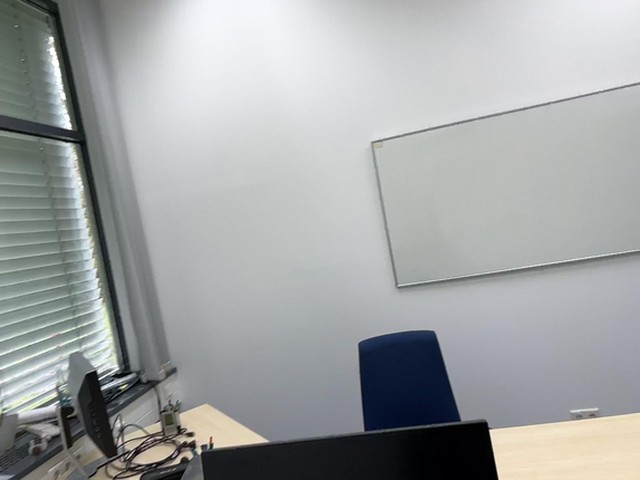
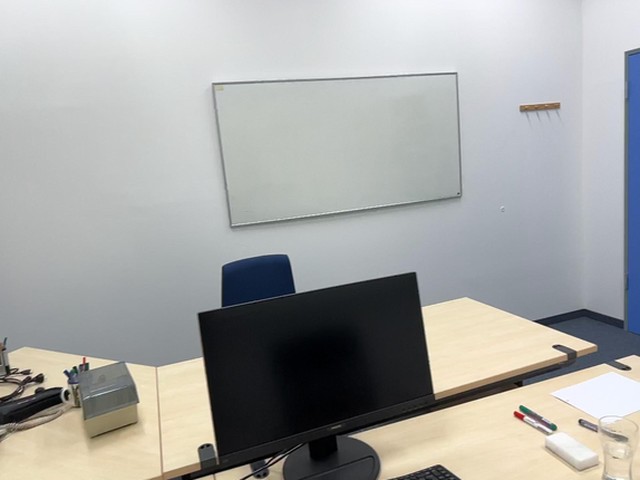
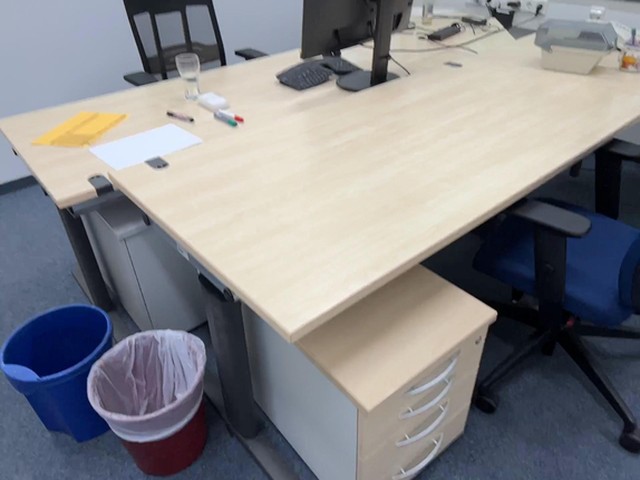
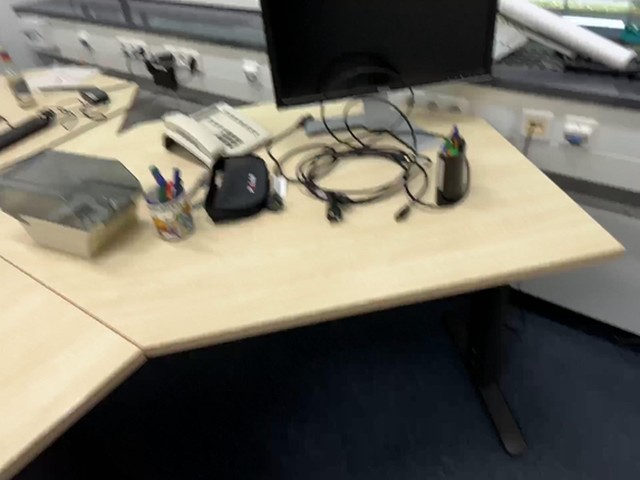
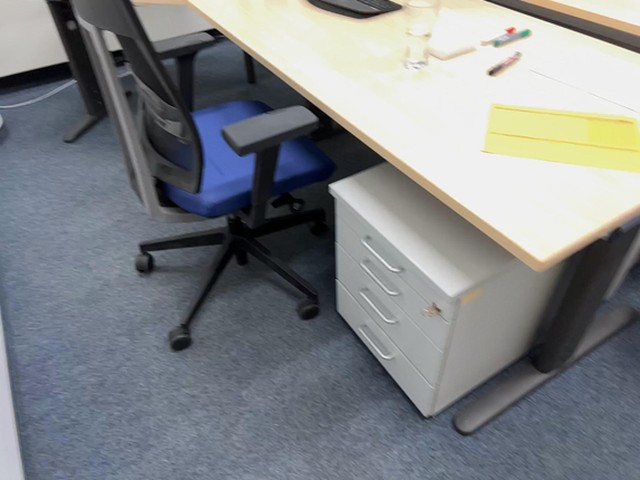
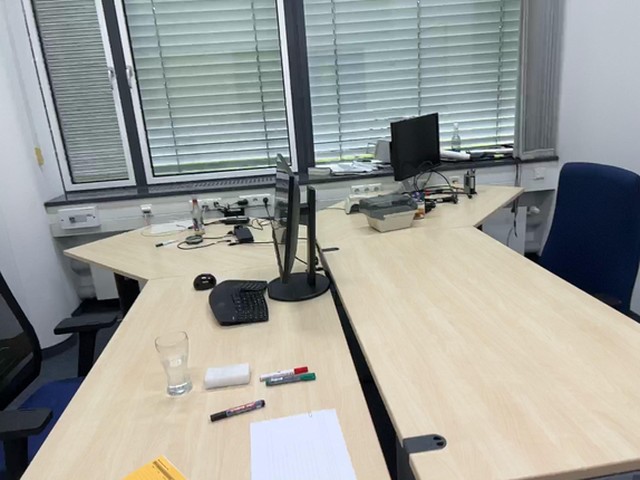
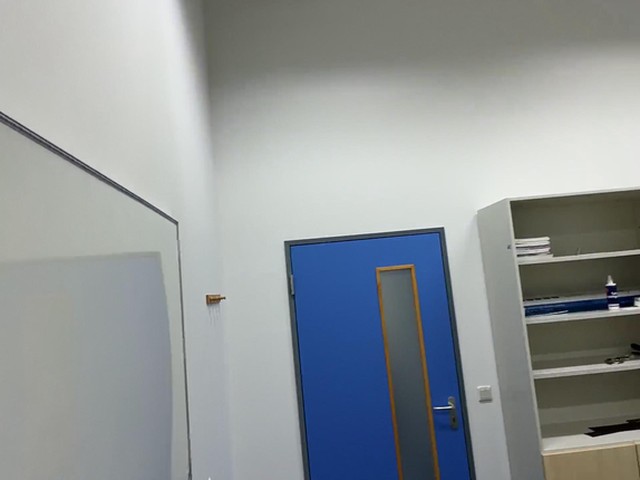
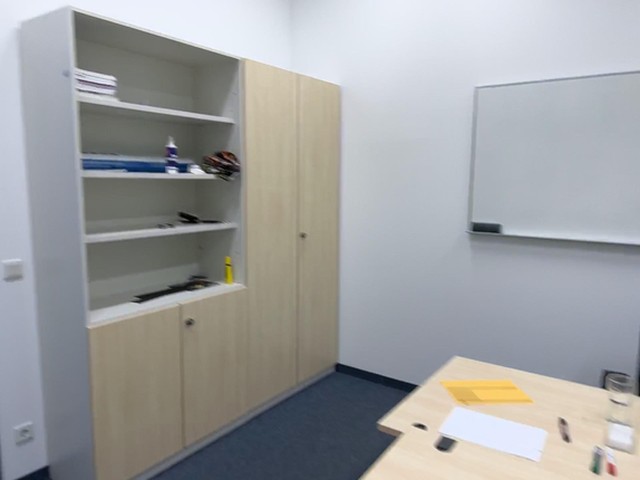
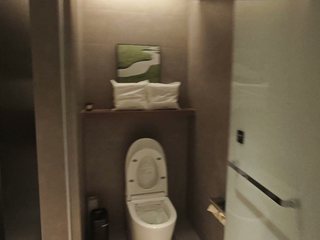
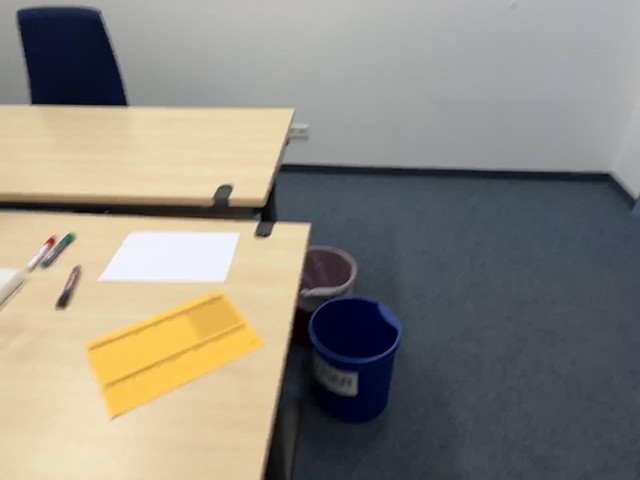
Given 1 to 12 context images of a real place, Mundo generates new views along a camera path you specify. It reconstructs a 3D proxy to establish the spatial relationships between the input views, then uses those images as context to preserve the scene's layout, appearance, and visible details as the camera moves.

Mundo generates views along multiple camera paths using the same set of context images. The input views anchor the observed parts of the scene, while Mundo infers areas that no input camera captured.

Input

Output

Proxy
1.2Generated worlds from a single image

The starting point can also be a single image, like the generated images and paintings we show here. With just one view, Mundo creates camera paths through the depicted space, carrying its visual style and visible structures into new perspectives. Moving away from the original viewpoint reveals surfaces and areas that the image never showed.

Input

Output

Proxy
1.3From one view to many

More context images give Mundo more evidence about a place. Unseen areas remain inferred, so additional views can reduce how much the model invents.

Compare the same camera path with one, three, and nine views to see how additional context improves scene details.

Input

Context view 1Context view 2Context view 3Context view 4Context view 5Context view 6Context view 7Context view 8Context view 9

Output

1.4Long paths through large scenes

Exploring a large environment requires more context than a single room. Given dozens of context images, Mundo renders camera paths lasting tens of seconds to minutes. Generation proceeds as a stream of chunks with overlapping temporal windows, all following a path through the same 3D proxy.

For each chunk, Mundo uses the camera path and the views positioned in the 3D environment to select the most relevant context images. These images anchor the local appearance, while overlapping frames connect successive chunks. The visualization shows the selected views changing along the route.

Input

Output

Proxy
02

Physical interaction

Mundo adds physical properties to the reconstructed scene to simulate how objects move and interact, then renders the motion using the environment's context images.

2.1Editing the world in code

The scene program defines each object's name, pose, and size, along with physical properties such as mass and friction. Scripts specify actions and applied forces; a physics engine computes the response under gravity and contact constraints.

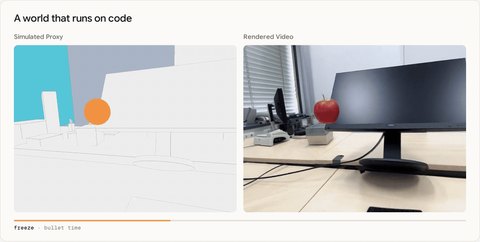
The simulation computes object trajectories, contact locations, and collision forces. Mundo renders the resulting motion in the reconstructed scene. Mid-fall, the script freezes the world and flies the camera around the moment before the fall resumes.

office  = mundo.World("office")      # 9 photos
drawer  = office.pedestal.drawer(3)
apple   = office.add("apple", inside=drawer, mass=0.20)
monitor = office.monitor              # 4.2 kg

t = office.timeline()
t.at(0.60).run(drawer.open(0.28))
t.at(1.90).run(apple.float_to(front_of=monitor))
t.at(3.20).playback(rate=0.2)  # display only
t.at(3.45).run(apple.throw(at=monitor.top, speed=13.5))
t.at(5.00).freeze(7.5)  # bullet time
t.at(15.40).playback(rate=1.0)

sim   = office.simulate(engine="mujoco", hz=960)
video = mundo.render(sim, office.camera("dolly"),
                     steps=50)

Simplified for reference; the actual program is more involved.

Physics simulation powered by MuJoCo.

Drag an object to select an action, then compare the simulated motion with Mundo's rendering in the same reconstructed office.

or drag the room to look around

The same camera in the generated office
This camera, rendered
Simulation replayGenerated video

Context views

2.2Physical interactions across environments

Given the visual context of an environment, Mundo reconstructs the objects involved in an interaction and assigns their scale, mass, and material properties for physically grounded simulation. A release, a push, or a change in gravity produces a response within that environment. Mundo renders the simulated interaction using context images to preserve scene and object appearance.

Compare interactions across different materials and gravity settings. The overlays show simulated velocities, contact locations, impact forces, and gravity alongside the rendered motion.

Input

Input photo
Simulation

Physics

    Output

    03

    Dynamic simulation

    Mundo simulates dynamic behavior within the specific environment defined by the context images. Its physics-aware 3D proxy grounds robot navigation and object interactions in the given scene, connecting the captured environment to simulation for Real-to-Sim testing and training.

    3.2Manipulation Simulation

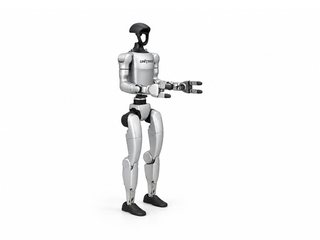
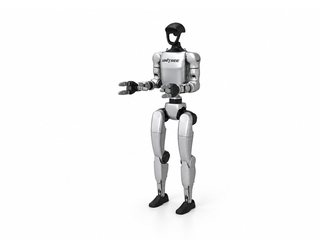
    Given context images, Mundo reconstructs a 3D environment with detailed geometry and physical properties for the objects involved in an interaction. Different robots can then attempt the same manipulation task.

    Mundo renders each execution from an external viewpoint and the robot's head and wrist cameras. Task trajectories and physical interaction states accompany the rendered observations, providing data for robot training and comparing behavior in simulation tests before acting in real scenarios.

    Input

    Input photographRobot reference pictureRobot reference picture

    Simulation

    Output

    Scene camera
    Simulation

    3.3Simulation in 4D

    Mundo extends scene exploration to 4D with spatial and time simulation. Using multi-camera recordings or an image as context, it renders dynamic events from new viewpoints. We can freeze time at a chosen moment and move the camera to inspect the scene from different angles.

    The context can be a multi-camera recording or a single generated image. In the last two cases of the figure below, the motion is simulated under gravity and contact dynamics to reproduce realistic falling and collisions.

    Behind the scenes

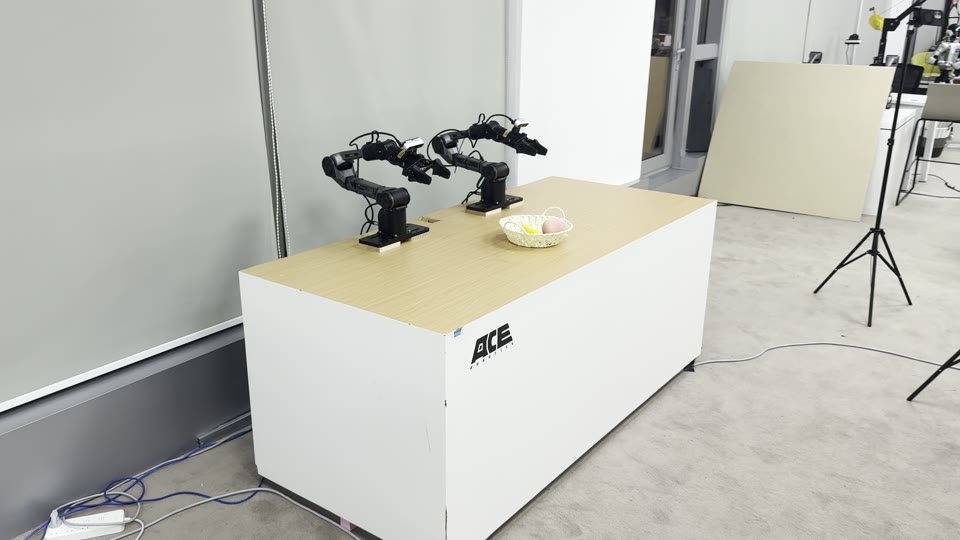
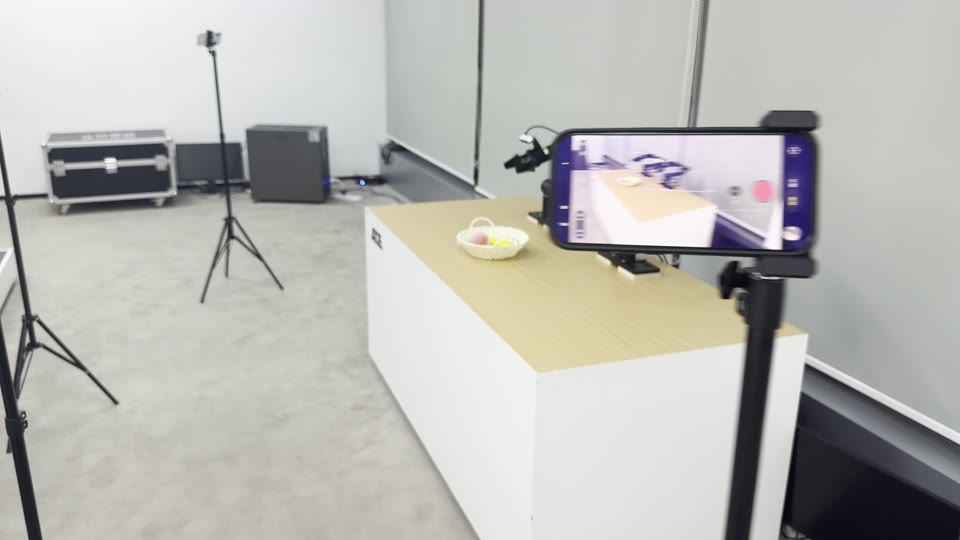
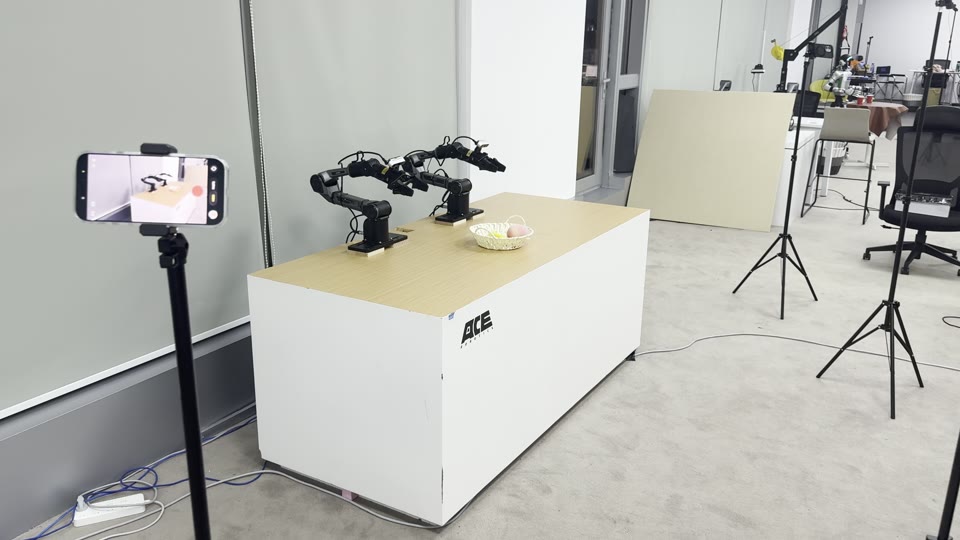
    The two-arm sequence was filmed with four cameras placed around the table.

    The table with the two arms and the basket, a stand beside itA phone on a stand filming the two armsPhones on stands around the table

    04

    Robotics application

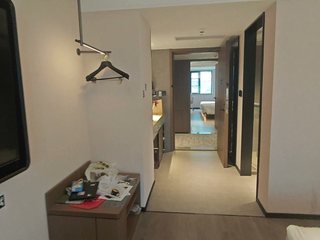
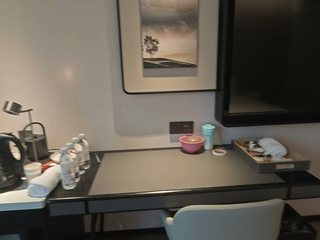
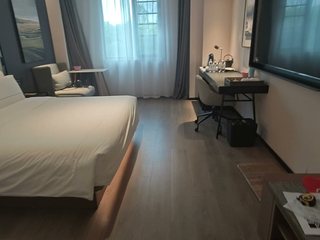
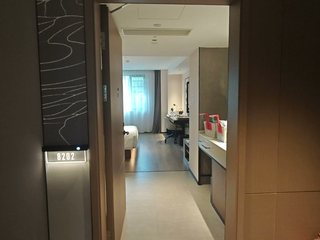
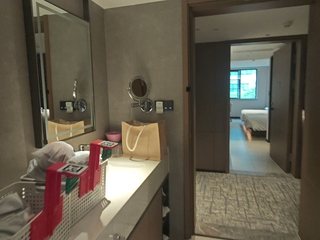
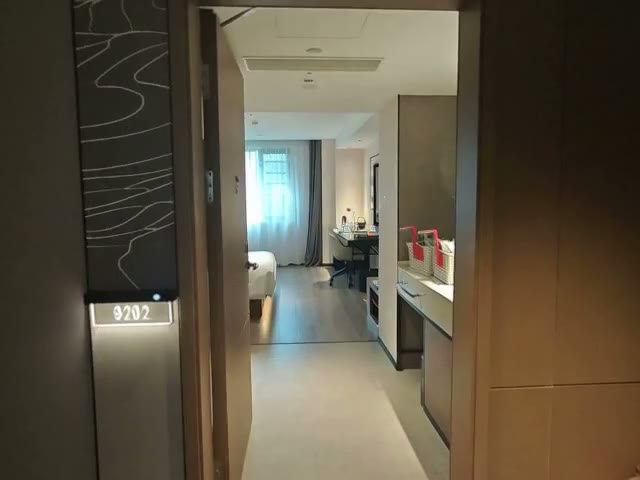
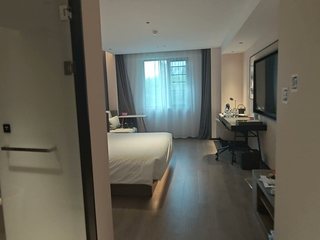
    The 3D proxy that Mundo reconstructs records where each object is and what it is. This gives a robot high-level scene information for navigation: given a start and a goal described semantically, it can plan a route between them. With this global 3D view, an agent acts as System 2 and plans the task. We use Mundo to reconstruct one floor of a hotel, shown below. The agent plans its route on this floor and uses the 3D proxy to locate itself as it moves.

    Video (a) shows a robot carrying out this navigation task in the simulation environment. Videos (b) and (c) are generated by Mundo in the laundry room, which we rebuilt at high fidelity as a simulation environment: (b) explores the environment, and (c) shows an interaction in it, opening the washer door. This helps System 2 understand the target task, such as loading the washer, before the robot acts.

    (a) Navigating from the lobby to the hotel room.
    (b) Exploring the rebuilt laundry room.
    (c) Opening the washer door.

    05

    Technical details

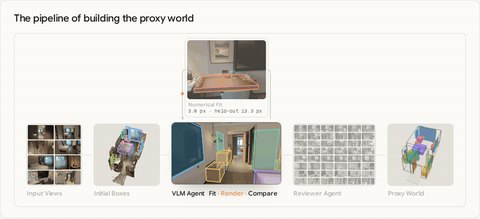
    Mundo goes beyond 3D reconstruction. For a scene given as multi-view images or a video, it converts the 3D representation into an explicit proxy state that a code world maintains, and lets a video model make use of that state.

    hotel = mundo.World("hotel")
    g1  = hotel.add("unitree_g1")
    bag = hotel.cabinet.bag
    g1.at(0.35).grasp(bag)
    g1.at(3.10).carry(bag, to=hotel.bed)
    g1.at(9.40).place(bag, on=hotel.bed)
    video = mundo.render(hotel.simulate())
    Input Views Proxy World Scene Program Proxy Video Rendered Video

    01Build the proxy world

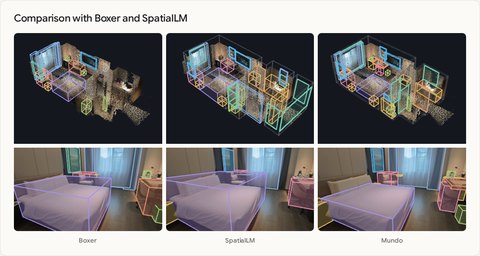
    We use a 3D detector to get an initial bounding box for each main object. A VLM agent then refines the proxy world in an analysis-by-synthesis loop, yielding the 3D proxy environment.

    02Run it as code

    In code, the objects, their poses, their physical properties and the rules that govern them simulate the world and keep track of its interactions and changes.

    03Render the video

    From the simulated world Mundo renders proxy frames in flat category colours. A video diffusion model renders them into video, with the context views as visual context.

    Blog

    How Mundo builds, runs and renders a world

    Read our Hugging Face blog

    Contributors

    Citation

    @misc{luo2026mundo,
      author = {Yihang Luo and Zunnan Xu and Shangchen Zhou and Yushi Lan and
                Kang Liao and Zerui Gong and Xiaoming Wu and Qingyi Tao and
                Zhonghua Wu and Bixuan Jin and Fei Wang and Zhi Hou and
                Xiaogang Wang and Xingang Pan and Chen Change Loy},
      title = {{Mundo}: Customized World Model},
      year = {2026},
      url = {https://mundo-world-model.github.io/}
    }